
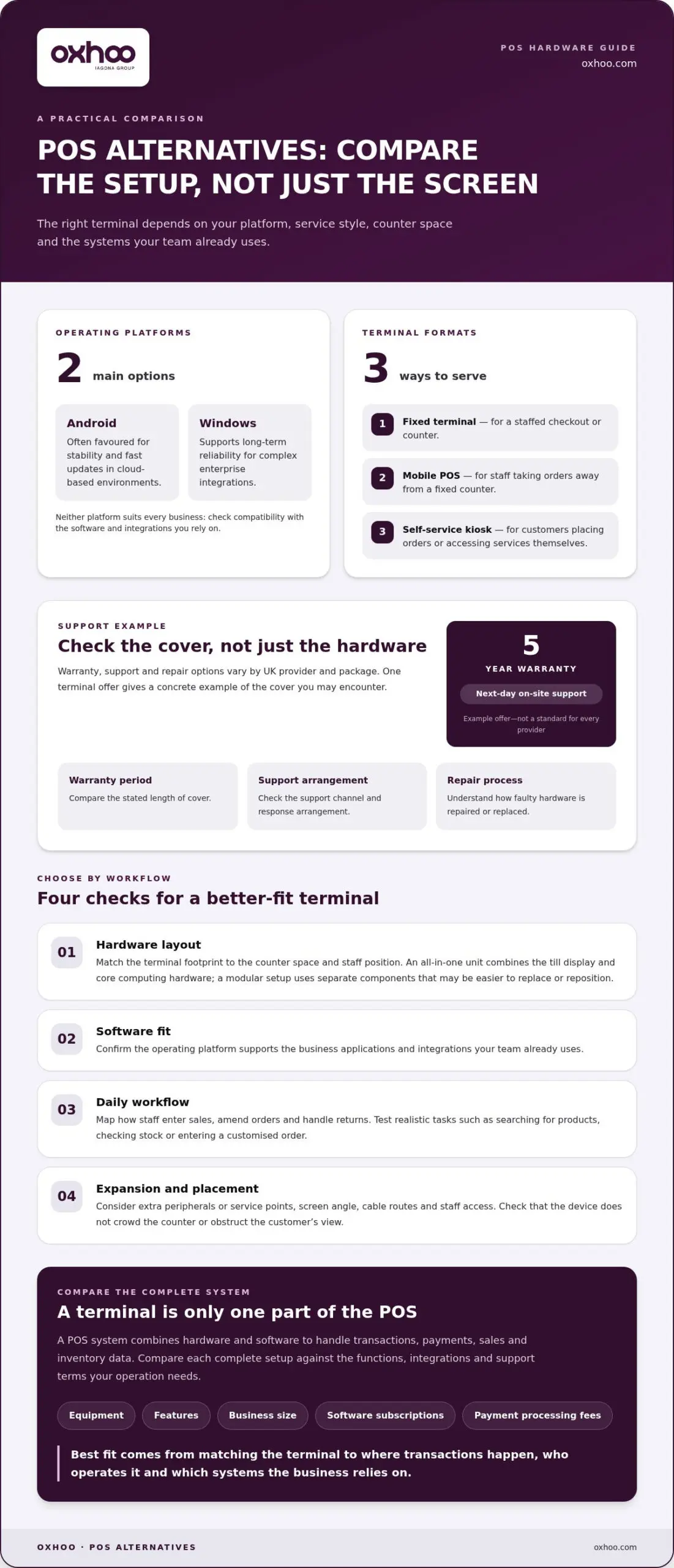
The best Elo Touch POS terminal alternative may be a different operating platform, not simply a different-looking till. For businesses comparing Elo Touch POS terminal alternatives, Android and Windows are the main platforms to consider. Android is often favoured for stability and fast updates in cloud-based environments, while Windows supports long-term reliability for complex enterprise integrations.
Choosing a replacement involves more than comparing screens. The right setup should suit how your team takes payments, manages stock and serves customers, as well as the systems already in place. A POS system combines hardware and software to handle transactions, payments, sales and inventory data, so the terminal is only one part of the decision.
This guide explains how all-in-one terminals differ, where retail and hospitality businesses use kiosks and mobile POS, and what to consider for UK payment acceptance, VAT, receipts and business integrations. You’ll also find a practical way to compare alternatives and identify hardware that supports your day-to-day operation.
Warranty, customer support and repair options vary by UK provider and package. One terminal offer includes a five-year warranty and next-day on-site support, giving a concrete example of the cover available. Before choosing, compare the stated warranty period, support channel, response arrangement and process for repairing or replacing faulty hardware.
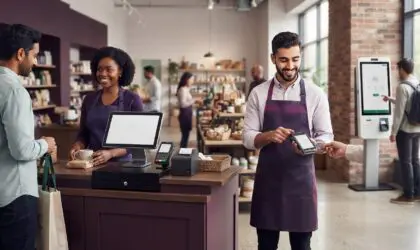
All-in-one systems also differ in how they support customer interactions. A fixed terminal suits a staffed checkout, while a separate self-service kiosk lets customers place orders or access services themselves. A mobile POS terminal lets staff take orders away from a fixed counter. These formats address different workflows, so first identify where transactions happen and who operates the device.
Finally, separate hardware decisions from total system costs. POS costs depend on the equipment, features and business size, and may include software subscriptions and payment processing fees. For a useful comparison, list the required functions, integrations and support terms, then assess each complete setup against that list.
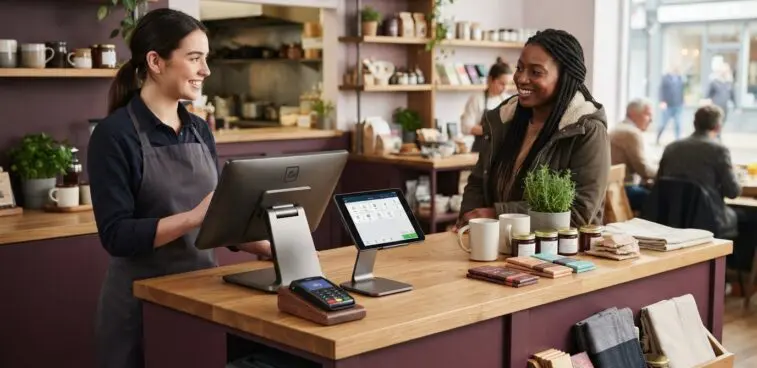
Choose a screen by considering the tasks staff perform at the till, not appearance alone. A compact display may suit a narrow café counter with a straightforward order flow. A larger screen can make detailed product menus easier to scan, but takes up more counter space. Measure the checkout area before comparing terminal dimensions.
Consider viewing distance and posture as well as available space. A screen angled towards a standing cashier may be awkward for someone seated at a service desk. At a busy retail checkout, staff need to reach common controls without stretching across the counter. Assess the operator’s position, customer approach and nearby equipment.
Choose the terminal type based on where each transaction takes place. A fixed counter terminal suits a staffed till, while a mobile POS terminal supports orders away from the counter. A self-service kiosk is designed for direct customer interaction. These formats serve different patterns of service, so identify who uses the device and where before choosing hardware.
Software compatibility matters as much as the physical format. Android and Windows POS systems can both be reliable. Android is often favoured for stability and fast updates in cloud-based environments, while Windows supports long-term reliability for complex enterprise integrations. Compare the platform with the business applications you already use, rather than assuming one operating system suits every terminal.
Next, simulate a typical transaction on each shortlisted display. A retailer could search for a product, review the basket and correct an item. A hospitality team could enter a customised order during service. These tests show whether the screen layout, touch targets and terminal position support a smooth sequence.
Consider how the terminal fits the venue’s visual design, too. A device that blocks the customer’s view or crowds a carefully arranged counter can disrupt the space. Check cable routes, staff access and the position of nearby equipment. This makes the comparison practical, rather than just a choice between screen sizes.
For a final shortlist, compare the intended setting, operator, software platform and daily tasks. Businesses assessing POS terminal options can use these criteria to frame a hardware decision around their service environment.
Retail teams need checkout hardware that supports more than taking payments. At a clothing counter, staff may search for a product, adjust a basket and check stock during one conversation. A suitable POS setup keeps those actions accessible without making staff leave the customer or interrupt the queue.
Interactive kiosks can extend service beyond the staffed till. In retail, an endless-aisle kiosk lets customers explore product options beyond the items displayed on the shop floor. A point-of-information kiosk can show product details, while self-ordering lets customers select items directly. These use cases work best when the screen journey is clear and relevant to the venue.
Self-service POS can reduce customer wait times and improve order accuracy. In a quick-service restaurant, customers can enter their own meal choices instead of relying on staff to interpret each selection. The kiosk should present options clearly, capture the order and pass it into the service workflow. Staff can then focus on preparing orders and helping customers who need assistance.
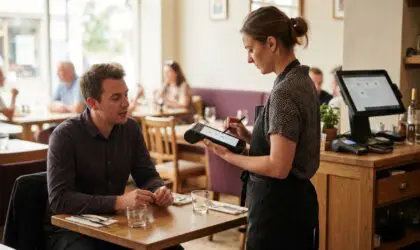
Hospitality venues can also use POS terminals at staffed service points. A bar team, for example, needs to enter orders quickly and keep transactions organised during a rush. A restaurant may need a different layout, with staff entering food and drink choices at a counter or another service point. The terminal should suit the order sequence, staff position and available space.
Mobile POS terminals take transactions beyond a fixed counter. Retail staff can use mobile POS to help manage queues, check inventory on the shop floor and fulfil mobile orders. In hospitality, staff can take orders while moving through the service area. Mobility is most useful when it supports a specific task, rather than adding a device without a defined role.
Before selecting hardware, map a customer journey from arrival to completed transaction. For a retailer, follow a shopper from product discovery through payment. For a hospitality venue, trace an order from selection to preparation and collection. This shows where a staffed terminal, kiosk or mobile device fits, and where it could create an unnecessary hand-off.
Assess the physical setting alongside the service task. A kiosk needs a position customers can approach, while a mobile device needs to be practical for staff moving through the venue. Matching each format to a defined retail or hospitality use helps keep service coherent and the customer experience straightforward.
A POS terminal works with a UK payment setup when its software and card reader can communicate with the chosen payment service. Contactless acceptance requires an NFC-enabled card reader or terminal. For example, a staffed checkout needs a reader that accepts contactless transactions, alongside a POS workflow that records the sale.
Compare the terminal and payment device separately. The terminal runs the till workflow, such as building a basket or recording an order. The card reader captures payment details and communicates with the payment service. These functions can be integrated or handled by separate devices, so identify which arrangement suits the counter.
Use this sequence to assess compatibility before selecting replacement hardware:
At a hospitality counter, test an order with several items and a change before payment. The POS should pass the correct transaction to the payment stage, while the reader handles the card interaction. This practical test can reveal whether staff need to enter information twice or move between disconnected screens.
Assess how the system handles different payment methods, too. A retailer may accept contactless payments at the counter and use another method for a remote order. A clear workflow should show staff which device records the sale and which captures payment. This distinction helps keep sales records aligned with completed transactions.
Integration is not the same as physical connection. A reader may sit beside a terminal yet require a separate step in the till process. A connected workflow, by contrast, can pass the transaction amount from the POS screen to the reader. Compare the full sequence, including declined payments, cancellations and amended baskets.
Document the setup for each till location. A shop with separate service points may use different reader arrangements at each counter. Record the terminal, reader, payment service and transaction flow for every position. This creates a precise comparison when considering Elo Touch POS terminal alternatives and helps identify which option fits the UK payment workflow without disrupting staff routines.
For each counter, record the payment service and the steps staff follow. Contactless payments require a POS system with an NFC-enabled card reader or terminal. Check this requirement for each payment setup rather than assuming a nearby reader is linked to the till.
Then confirm that the sale amount reaches the payment stage correctly and that the completed transaction is recorded in the POS. If the devices are separate, test the hand-off with a typical sale before relying on the setup.
Many POS systems can support these functions, but the terminal alone does not determine them. Software, configuration and connected business systems shape what staff can do. Compare the complete setup with your current processes, using examples from a normal trading day rather than a feature list alone.
For VAT handling, examine how the system records the tax settings applied to products and sales. A retailer selling standard-rate, reduced-rate or exempt products needs categories that match its accounting workflow. Test a sample basket with different product types, then review how the transaction appears in reports. This checks whether tax information stays clear from sale to reconciliation.
Review receipts in the same practical way. Check the information on printed or digital receipts, and whether staff can retrieve a transaction if a customer returns. Follow a purchase from checkout through receipt delivery and a later refund. This shows whether transaction records are easy to locate and receipt handling fits the way the business serves customers.
Stock management can connect sales activity with inventory records. A POS system may track inventory, provide sales reporting and present real-time data. For a shop, test whether selling an item updates its stock record and whether staff can identify products needing attention. Much like dedicated online retailers such as Andy’s Vape Shop track extensive catalogues of devices and refills, in-store systems require reliable tracking to prevent stock discrepancies. The result depends on how products are organised and how consistently stock information is maintained.
Accounting integrations can help connect sales records with business reporting. Integration options depend on the POS software and the accounting or business system involved. Trace a typical day’s sales through the reporting workflow. Look for clear transaction totals, payment types and product records, then note any manual steps staff still need to complete.
Compare these functions using the same test transactions across each shortlisted system. A café might test an order with food and drink, while a retailer could use a basket with several product categories. Record the resulting receipt, stock change and report view. This makes differences visible without relying on feature labels.
Before replacing a terminal, write down the records staff need each day and the systems that use them. Then assess whether the POS software supports that workflow. Explore POS terminals for business as part of comparing hardware options against your operational requirements.
Before choosing, confirm that the functions work together in the workflow, not just in separate menus. A POS system can provide inventory tracking, sales reporting, business insights, real-time data, support for multiple payment types and integrations with other business systems. Ask staff to repeat the same sale and reporting checks, then compare how easy the information is to find and use. Note any setup or follow-up tasks, and decide whether the overall process fits the business’s needs. This keeps the decision focused on day-to-day use, not just the number of features.
OXHOO is a natural next step for UK businesses comparing POS hardware against their day-to-day requirements. Its POS terminals are built for continuous all-day operation and backed by a five-year warranty with next-day on-site support. This can suit retailers and hospitality teams seeking durable hardware for a staffed service point.
Where customer journeys extend beyond the till, OXHOO also supplies self-service kiosks, digital signage and digital menu boards. These options can support a joined-up setup across checkout, self-ordering and customer-facing displays, with hardware decisions aligned to the venue’s workflow.
To discuss POS terminals for your business, contact OXHOO.
Choosing among Elo Touch POS terminal alternatives is also a chance to consider how customer-facing touchpoints work together. Define the experience you want to create, from the first interaction through checkout, then select hardware that supports it.
OXHOO supplies POS terminals, self-service kiosks and digital signage for businesses refining their in-store environment. These options can bring transactions, customer self-service and on-site communication into a more considered physical setting. Start by defining the role you want each device to play in the customer journey.
Share your operational priorities and explore a setup that suits your business. Contact OXHOO about POS terminals, and take a confident next step towards a more cohesive customer experience.
The best alternative is the terminal format that fits the business’s busiest customer journey. A small shop with one staffed checkout should prioritise a straightforward counter setup; a restaurant taking orders across its service area may benefit from mobile POS. Retailers supporting product discovery can add an interactive kiosk, while venues with changing offers can use digital signage. Compare each option against staff tasks, customer flow and available space before selecting hardware.